
Blog
Practical guides to organize your studio, guide your clients and deliver architecture and interior design projects with less rework.


Architecture client briefing: what to ask before the first sketch
The questions that prevent rework, grouped by topic, and how to turn the answers into a space program the whole team can consult.
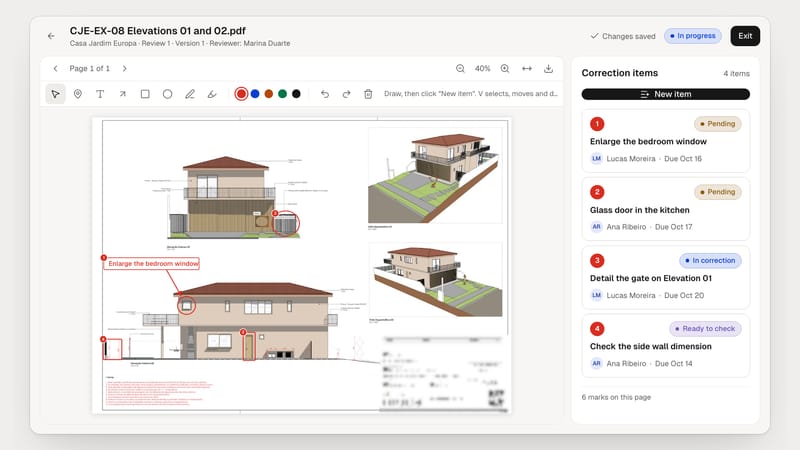
PDF review in Arcture: mark up, assign and validate every correction
How to open a review round, turn marks into items with an assignee and a due date, and validate the correction by comparing versions.

How to organize your architecture studio’s project files
A folder structure, a naming convention and a versioning rule the whole team can follow, and that still works five years from now.
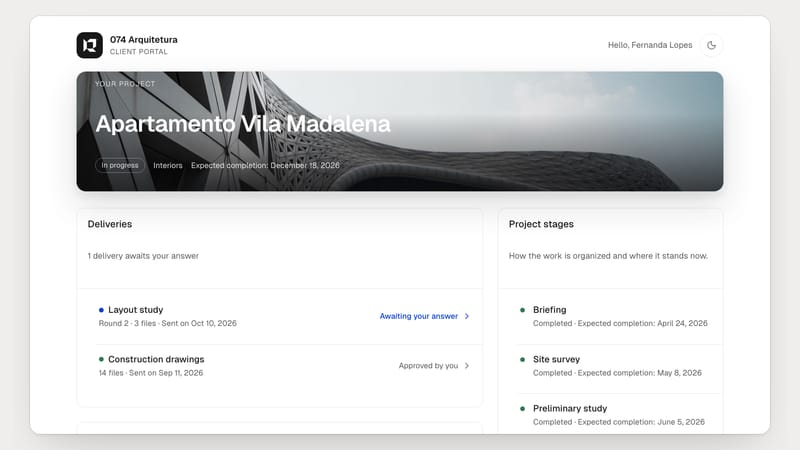
Client portal in Arcture: deliveries, approvals and requests in one place
Create the client link, send deliveries for approval and follow requests and decisions, without the client having to create an account.
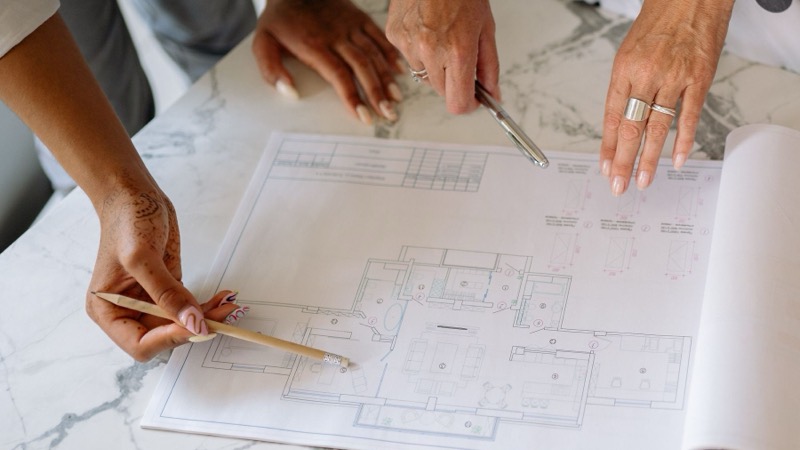
Revision control: how to never lose a project correction
From a stray WhatsApp comment to the corrected sheet: a simple method to record, assign and check every change asked for by the client or the team.
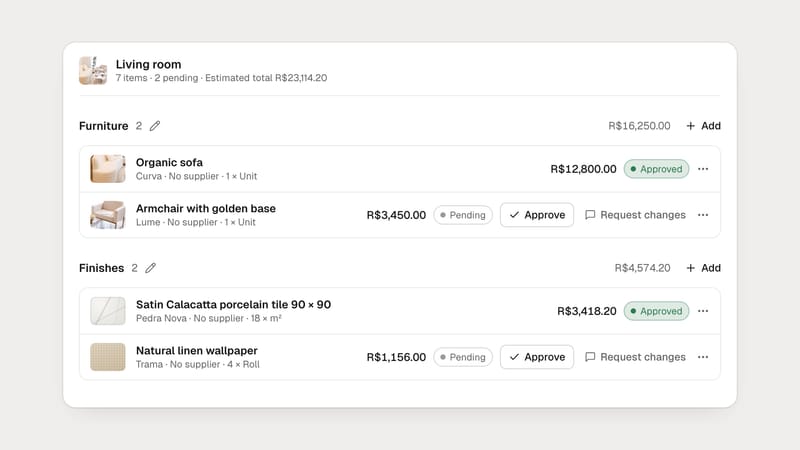
Products by link: build the interior specification without typing it all
Paste the store address, review what Arcture found and the item goes into the room, with photo, dimensions and price, and is kept in the library.
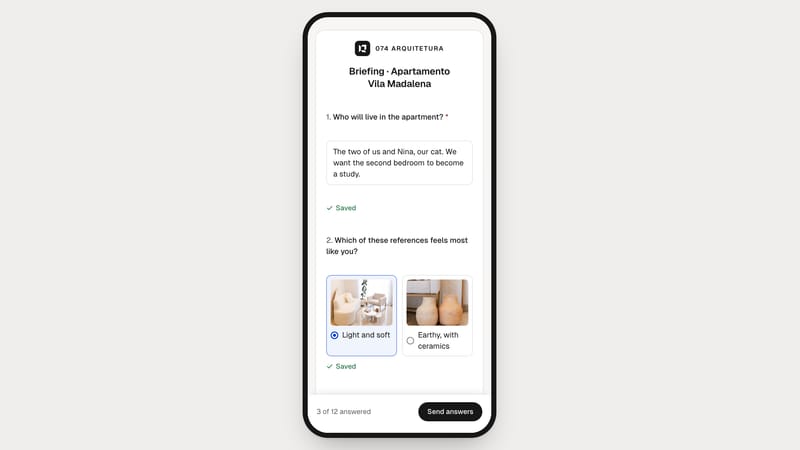
Online briefing in Arcture: the client answers on the phone, you get it organized
From the template to the answers’ PDF: how to send a briefing by link, see whether the client has opened it and keep everything with the project.


